|
Beau Wann, Jr.
OK, THIS TIME WITH FEELING...I AM BEGINNING TO HATE THIS COMPUTER CRAP...I TYPED IN ALL THE INSTRUCTIONS FOR SUSAN, AND GOT TO THE END, AND IT ALL DISAPPEARED...AAAAAAAAAAAAAAAAAAAAAAAAAAAAAAAAAAAAAAAAAAAAAAAAAAARRRRRRRRRG...I dont know how many times that has happened...sure is aggravating!!!!
Ok susan, and any of youse other youtes can take notes, first send me your American express card....nah, just funnin ya...your Visa or Master Card will do....never a serious moment for me is there...
Ok, here goes...at the top of this box on the left side is a small box, then the woird "Source", and then another small box, (looks yellow to me)...click on that 2nd box, and it will bring up another box with the woirds "Browse and Upload"...click on "Browse"...that will take you to all your folders...mine is labeled ME...click on that, well, not you, cause it's mine, but double click on yours that has all your folders in it...that should bring up all the separate folders, one containing your pictures, double click on that one, and it will bring up all your pictures...
double click on the picture you want, and it will take you back to the box with "Browse" on it and put it there...it might take a few seconds before it comes up, but it will...when it does, it will be too large, so out to the left side of the picture is a small box that has the numbers 624 or close to it, put the cursor to the right of the last number, and then hit backspace to clear the 3 numbers out of the box...
then just type in 200 or 250, or 300 up to 400 methinks....I start with 200 just to see what it looks like...if it is too small, I go up in increments of 50 till I get it like I want it....
then go over to the "upload" box, and click on it, and it will put the picture on the forum...
If you have already typed in text before you put your picture on, after the last line that you type, hit "shift" and "enter" at the same time...that will take you to the next line...if you just hit enter, that will double space it, much like I have done
here...
When you get the picture on the forum, you can further enlarge it by just clicking on it...that will bring up little boxes along the edges of the picture...click on one of the boxes in the direction you wish to stretch the picture...click on the small box, and hold the clicker down and move the mouse in the direction you want to go...the picture will not follow until you turn the clicker loose...then the picture will go to where ever you stopped the mouse...
if you decide you dont want the picture, or it's the wrongest one, just back space and it will disappear...then you can start the process over again...If I can do it, anyone can do it...
Ok class, take down the homework assignment written on the board, have it by friday...there will be a quiz on chapters 4 and 5 Friday...also bring in your bibibiblybiblibibliography and notes for your term paper so I can check them for something...
Any Questions????
DOD
|






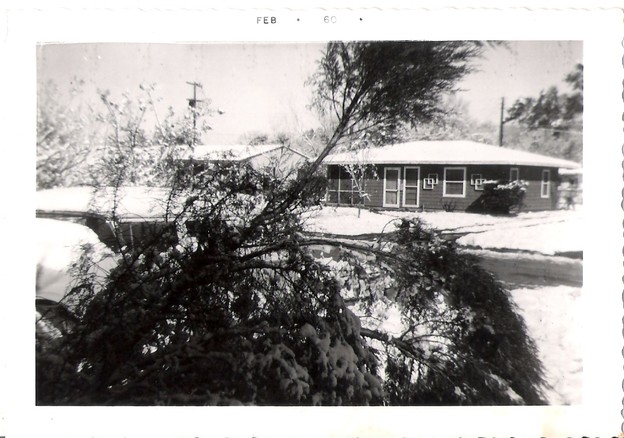





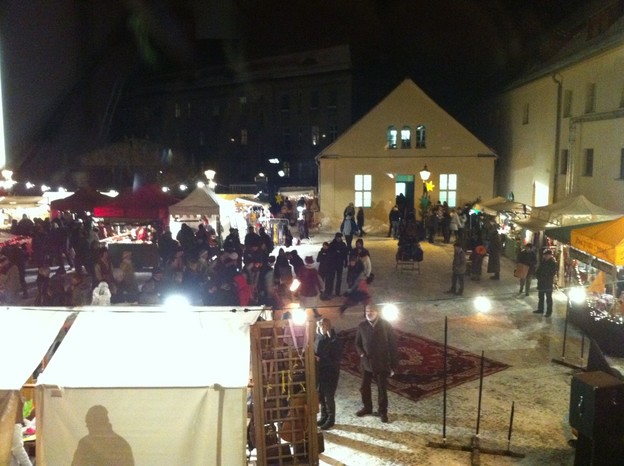
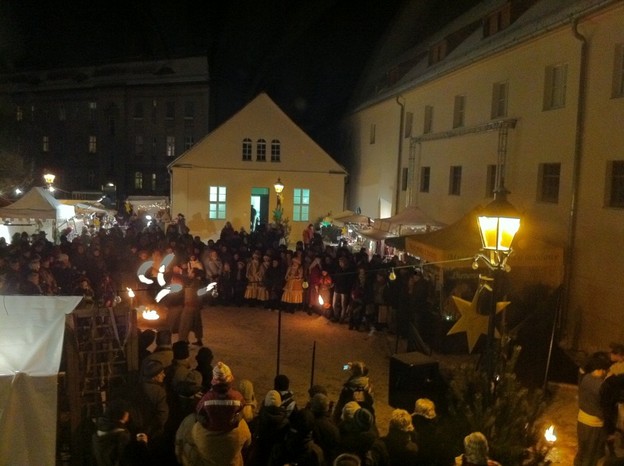
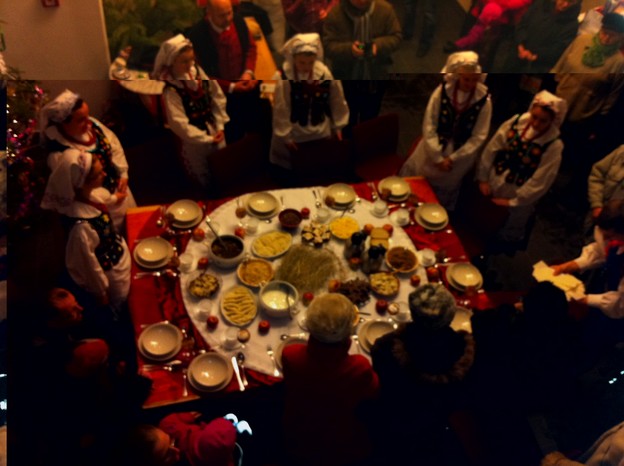





.jpg) Snow in the garden
Snow in the garden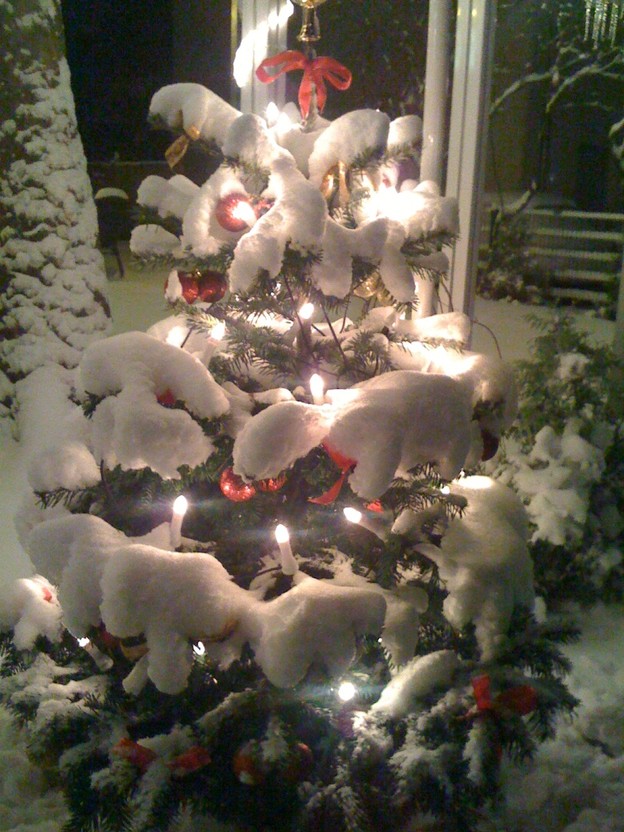 Xmas time

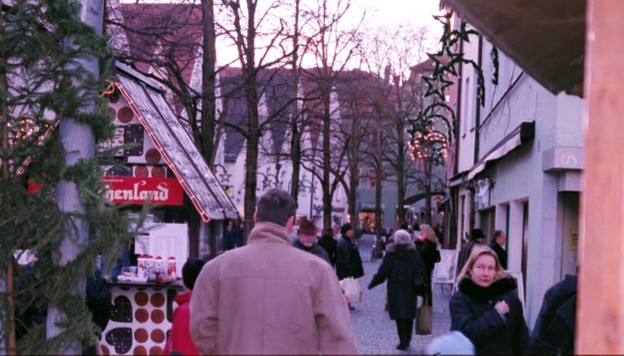
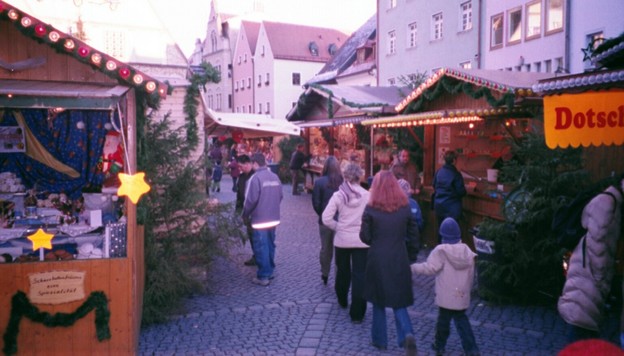
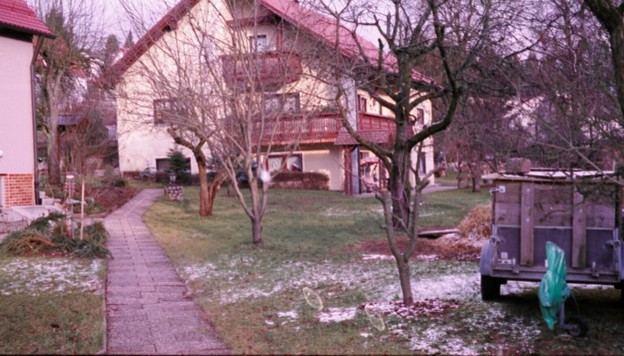




(1).jpg)
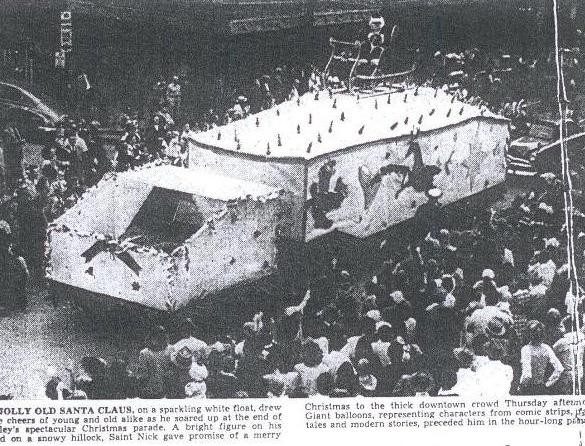
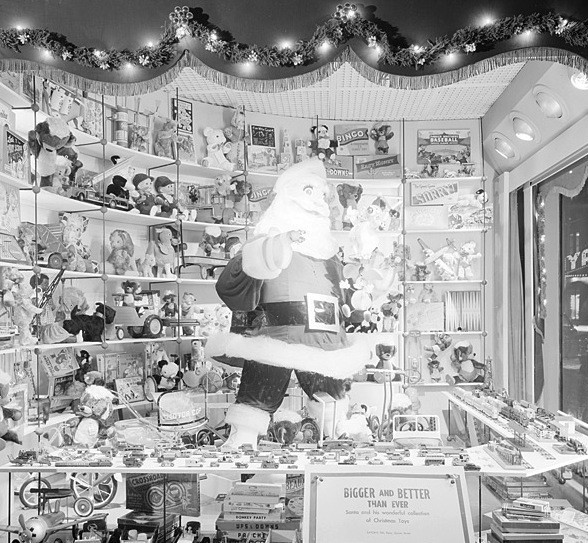

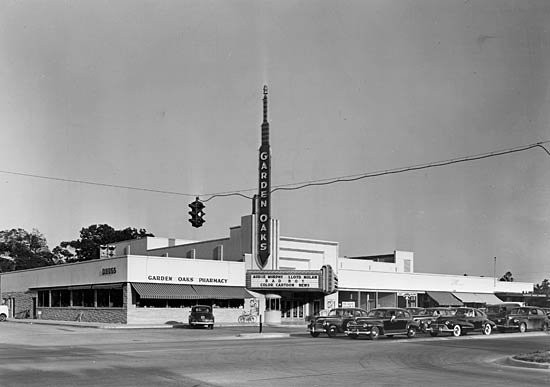
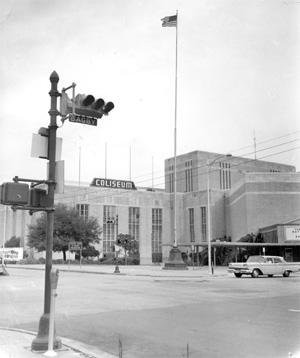
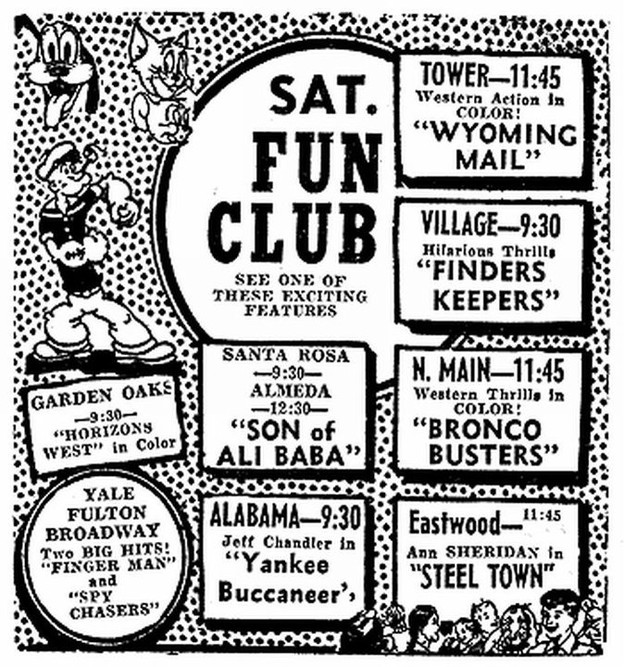
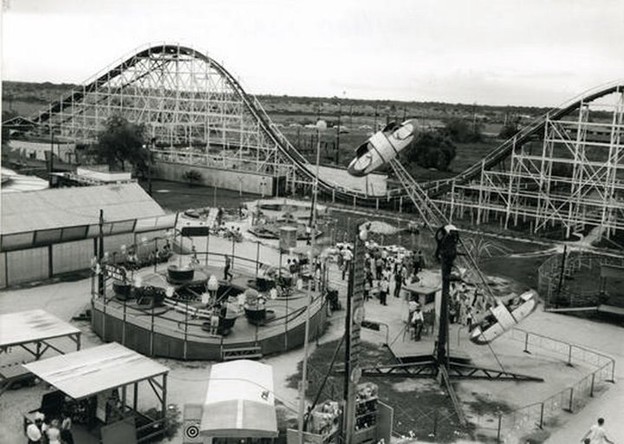
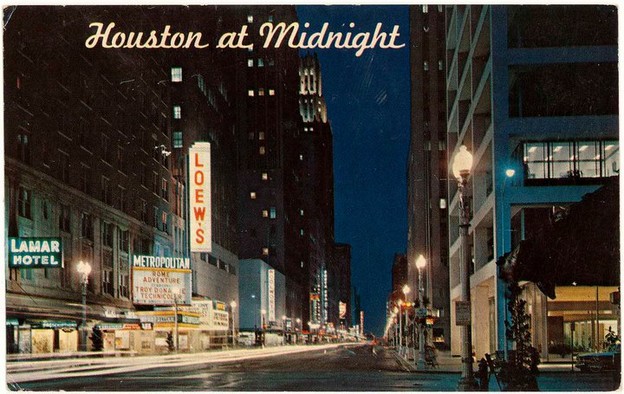
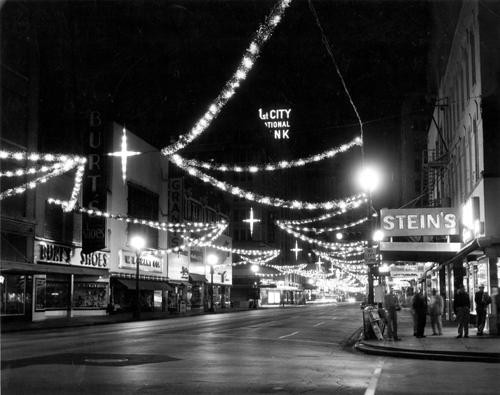 Do you remember any of these places?